Microsoft Intune lets you send custom push notifications to users on managed iOS, iPadOS, and Android devices. The message is delivered through the Company Portal app or the Microsoft Intune app and appears like any other app notification. Custom notifications are not supported on macOS or Windows.
Each notification has a title (up to 50 characters) and a body (up to 500 characters). You can send to a single device from the device page or to many users at once via Tenant administration. This post walks through both options.
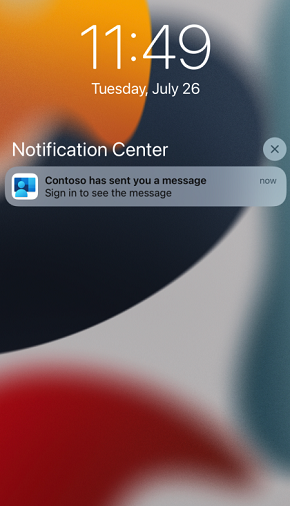
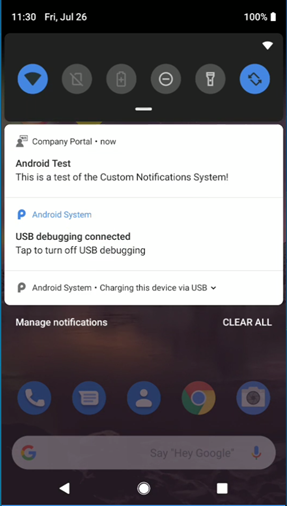
What the Notification Looks Like
On devices that have the Company Portal or Intune app installed, the notification appears in the device’s notification shade with your title and message. It looks like a normal app notification from Company Portal or Intune.
Sending a Notification to One Device
To send a custom notification to a single device:
- Open the Microsoft Intune admin center, go to Devices → All devices.
- Select the iOS, iPadOS, or Android device you want to notify.
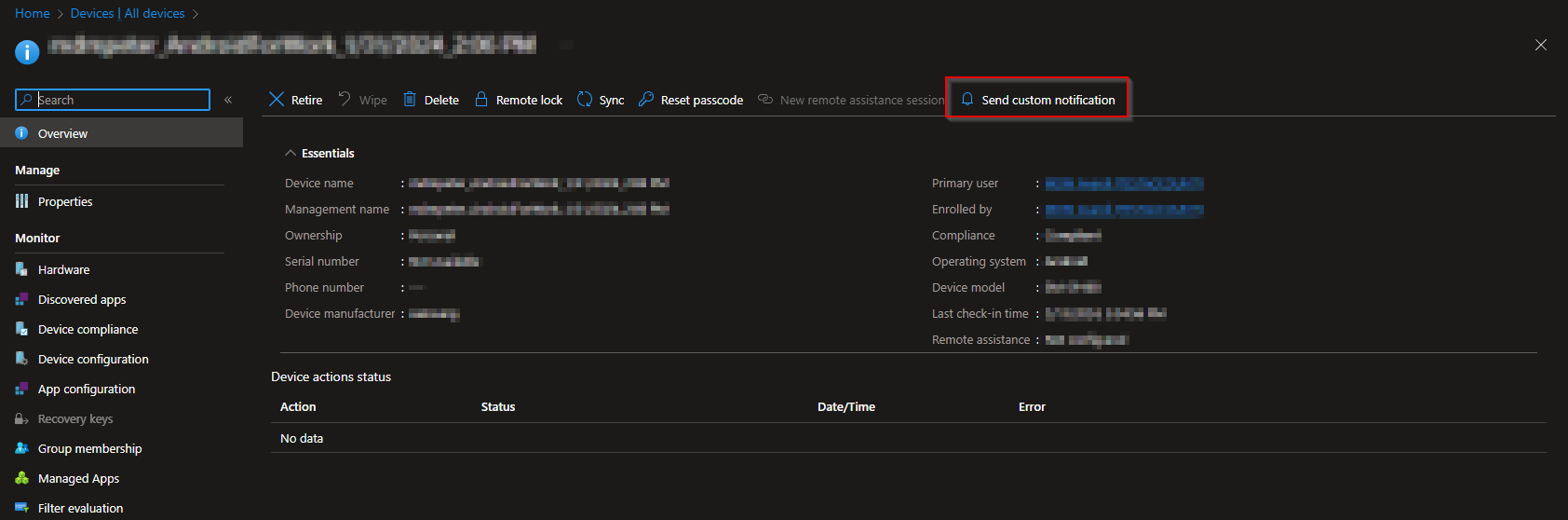
On the device Overview page, use the Send Custom Notification device action. If you don’t see it, open the … (ellipses) menu in the top-right and choose Send Custom Notification.
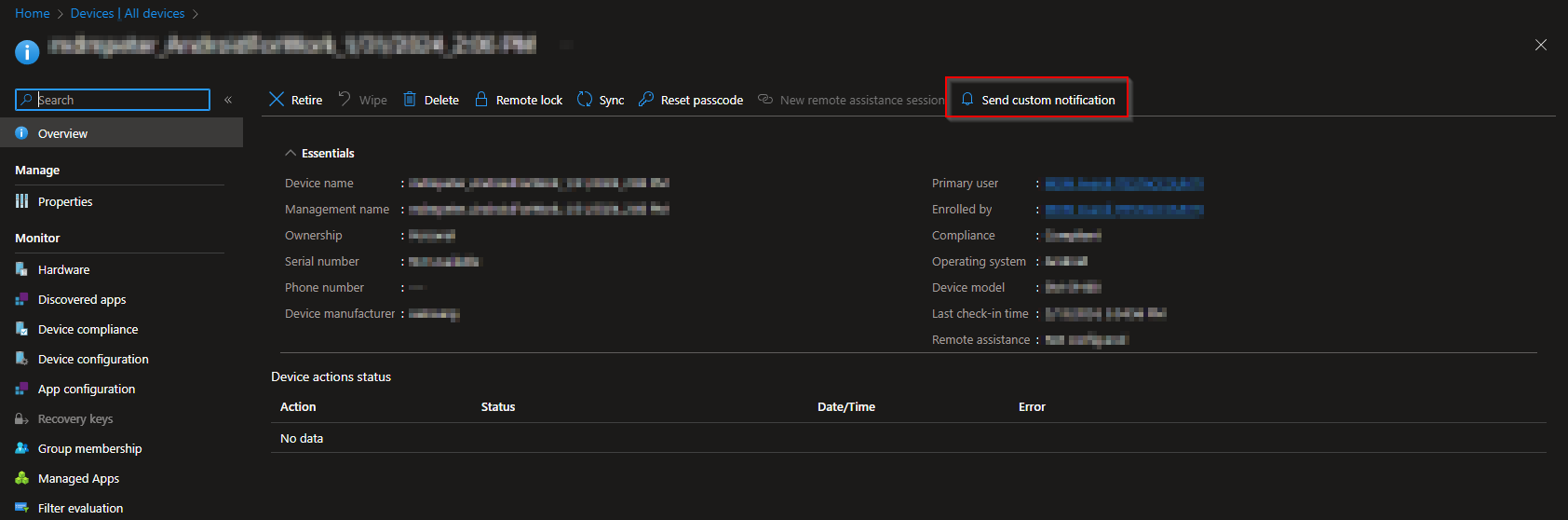
In the Send Custom Notification pane, enter a Title (max 50 characters) and Body (max 500 characters), then click Send. The notification is sent immediately; there is no assignment or review step for single-device notifications.
Sending a Notification to a Group
To send the same notification to multiple users (and thus to all their enrolled iOS/iPadOS and Android devices):
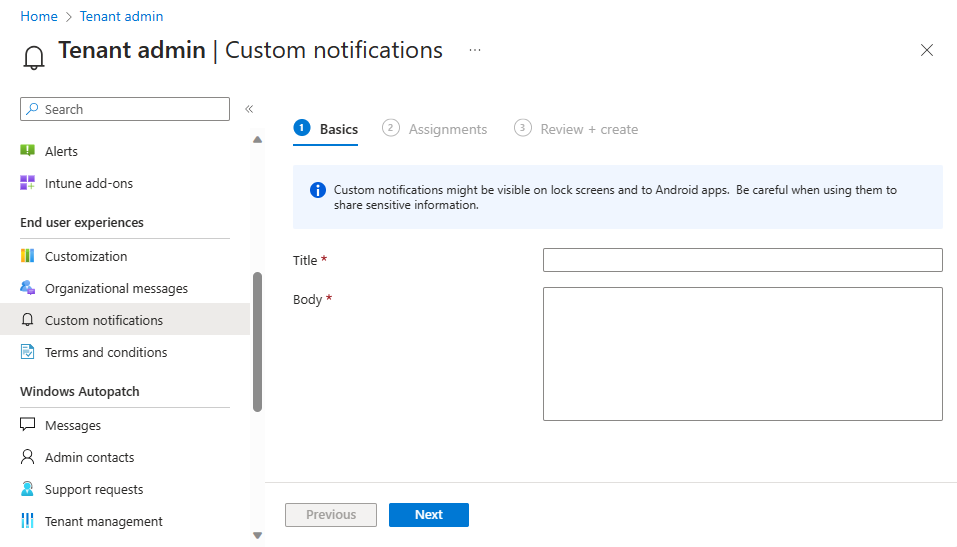
- In the Intune admin center, go to Tenant administration → Custom notifications.
- On the Basics tab, enter a Title (max 50 characters) and Body (max 500 characters), then click Next.
- On the Assignments tab, select the groups that should receive the notification. Only users in those groups are targeted; the notification goes to all enrolled iOS/iPadOS and Android devices for each user. Click Next.
- On Review + Create, review the message and groups, then click Create to send.
Conclusion
You can send custom notifications to managed iOS, iPadOS, and Android users from Intune: either to one device via Devices → All devices → device → Send Custom Notification, or to many users via Tenant administration → Custom notifications with group assignments. Keep the title under 50 characters and the body under 500, and use the feature for reminders, announcements, or other short messages that don’t require macOS or Windows support.